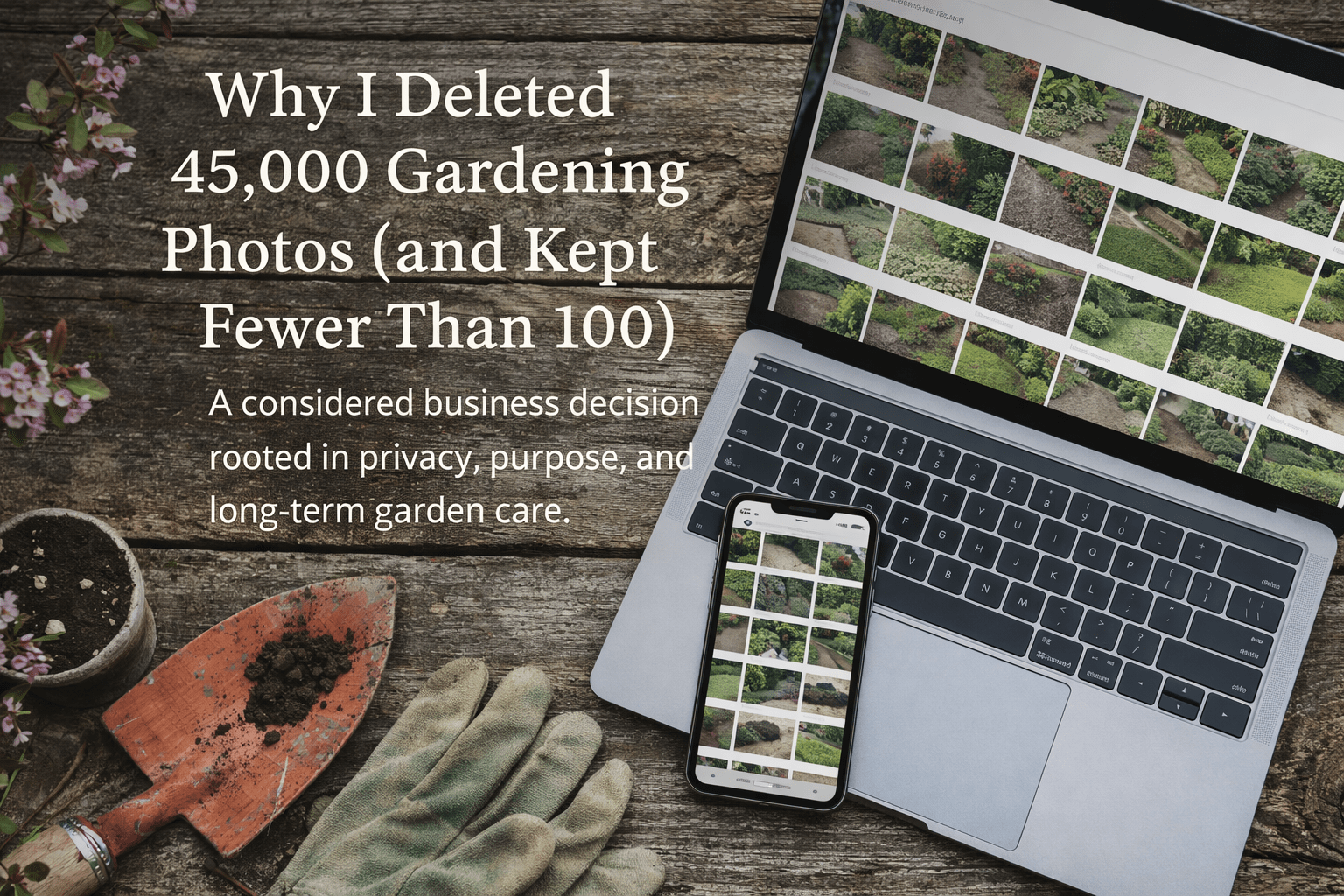
| (and Why It Was the Right Decision) |
| Running a gardening business quietly creates a lot of digital clutter. Over time, I had built up a vast library of photos — tens of thousands of images taken while working in gardens across the seasons. Beds before we touched them. Lawns midway through a cut. Borders after planting. The steady, unglamorous reality of real garden care. Recently, I decided to delete about 45,000 gardening photos from my system. Not because I was short of space. Not because anything had gone wrong. But because, as a business, it was the right and necessary thing to do. I Wasn’t Running Out of Storage This wasn’t a panic clear-out. My computer had plenty of free space and was running well. The issue wasn’t capacity — it was purpose. As Earthly Comforts has become more defined in its values and direction, I’ve taken a closer look at why we keep things, not just whether we can. That includes digital storage. A Clear Decision Changed Everything One important decision we’ve now finalised is that Earthly Comforts will not use before-and-after photos in our public marketing or promotion. Gardens are living systems, not quick transformations. Our work is about long-term care, seasonal rhythm, soil health, and thoughtful maintenance — not dramatic visual contrasts taken moments apart. Once that decision was made, a simple truth became clear: I no longer needed to hold onto years of archived “just in case” photos. What Was Deleted — and What Was Kept The photos I removed covered a period from: January 2023 to December 2025 In total, around 45,000 images were deleted. That represents approximately 99% of all gardening photos we had stored. What remains is fewer than 100 images, most of which are close-up flower photographs kept for reference, inspiration, or quiet enjoyment — not promotion. The rest had served their purpose: For records For learning For reassurance For continuity at the time But they were no longer working for the business as it operates now. Digital Pruning Is Still Pruning As gardeners, we understand this instinctively. Keeping everything — every stem, every spent flower, every crossing branch — doesn’t make a garden healthier. It makes it cluttered, harder to manage, and less intentional. Digital spaces are no different. Deleting those photos wasn’t about loss. It was about clarity. A Business That Reflects Its Values This decision fits neatly with how Earthly Comforts operates: Thoughtfully Intentionally Without excess With respect for resources — digital as well as physical We talk a lot about sustainability in gardens. It matters that we apply the same thinking behind the scenes, too. A Quiet but Important Milestone Deleting 45,000 photos doesn’t look dramatic from the outside. But internally, it marked something important: Confidence in our direction Trust in our values A business that knows what it needs — and what it doesn’t Sometimes progress isn’t about adding more. Sometimes it’s about knowing when to let go. |
 Earthly Comforts
I think you made the right call. Now if I could find time to do that from my phone!!!
LikeLiked by 1 person
Wow, you sound like Suze, Sadje and her emails. She took the decision of bravery last week and followed my advice and deleted 5,000 emails from her account. i keep very clean email accounts, l have to, l have several – blog, personal, business – so l rarely have more than a dozen in each — l am yet to try and encourage her to delete surplus photos from her own phone 🙂
LikeLiked by 1 person
My phone has at least 10 years worth of photos. So it’ll take a lot of time to prune them.
LikeLiked by 1 person
Eeeeeeeeeeeeeeeeeeeeeeeeeeek, 😦
LikeLiked by 1 person
Yup 👍🏼
LikeLiked by 1 person
O_O
LikeLiked by 1 person
There are Apps you can use apparently l have just overheard one that Suze is looking at called Cleanup – from Apple? Perhaps that is something that might help.
LikeLiked by 1 person
I’ve heard about it too. But Apple has its own inbuilt system too. It’s deciding which ones to keep that’s difficult
LikeLiked by 1 person
I suppose so, how l worked out what to keep was to identify what l wanted to keep and then destroy the rest without even really looking at them. I worked it in monthly blocks. Perhaps it was easier for me as l don’t keep any photos on my phone, they are always at the end of the day downloaded to the pc.
LikeLiked by 1 person
That is indeed easy. I have a ton of photos of my grandkids.
LikeLiked by 1 person
I can’t stand clutter, and delete photos, etc. frequently. I recently replaced all images in my blog with AI images, thus deleting over 2,000 images. I do the same with my email accounts, which is just a matter of emptying the trash, and spam on a regular basis. Happy New Year, Rory!
LikeLiked by 1 person
Happy New Year to you also Eugenia. Yes l have also done something very similar in the blog, many images were deleted and l have left AI’s present. I still have many originals – l have injured my back – and this last week being off – l have created several series for the blog. l use many which l have, but equally l prefer to use AI when l can for specifics. It’s way lighter on the storage.
LikeLiked by 1 person
I’m sorry to hear about your back, Rory, and wish you a speedy recovery. I am enjoying using AI for images.
LikeLiked by 1 person
Thanks, l injured it on Christmas eve getting out of an ornamental bed in a client’s garden, it’s been a painful festive period in truth. Hey ho 🙂
LikeLiked by 1 person
🤕
LikeLiked by 1 person